
Using the GUI#
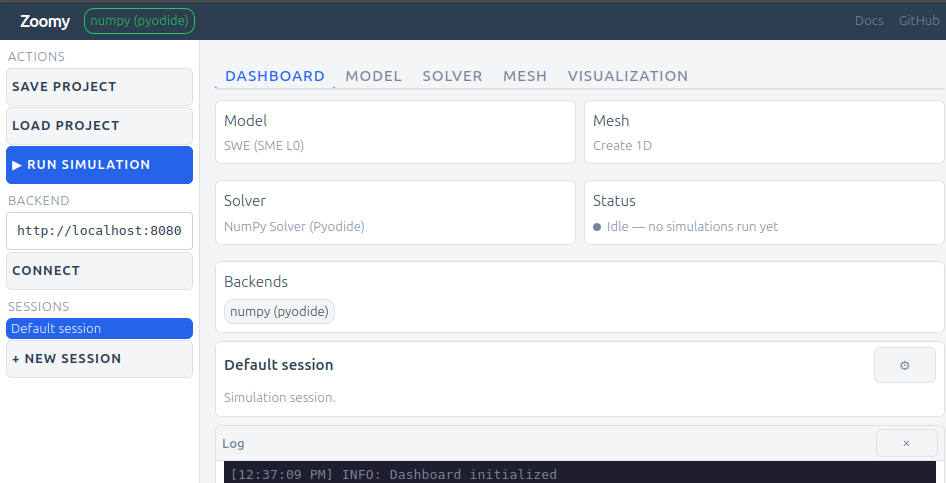
Compose: pick a Model, Mesh and Solver, optionally a Volume of Fluid participant and Visualization viewers, from cards. A parameters panel edits each card, the equations render inline and the mesh previews live.
Run in the browser: the NumPy solver runs on an in-browser Pyodide kernel. No install, no server.
Run on a backend: connect a
zoomy-serverand the composed case is solved there. The result comes back for visualization.It is a case: every action edits one
case.py(## Model,## Mesh,## Solver settings,## Run). It exports as.pyor.ipynb.Output:
zoomy_core.misc.show.showrenders figures and equations in the GUI and prints plain text in a script.
Connecting your own backend#
A zoomy-server on your own machine at http://localhost:8080 connects without a tunnel or certificate (Backends).
For another machine, forward the port (ssh -L 8080:localhost:8080 ...) or serve it over HTTPS.